Frequently Asked Help Topics
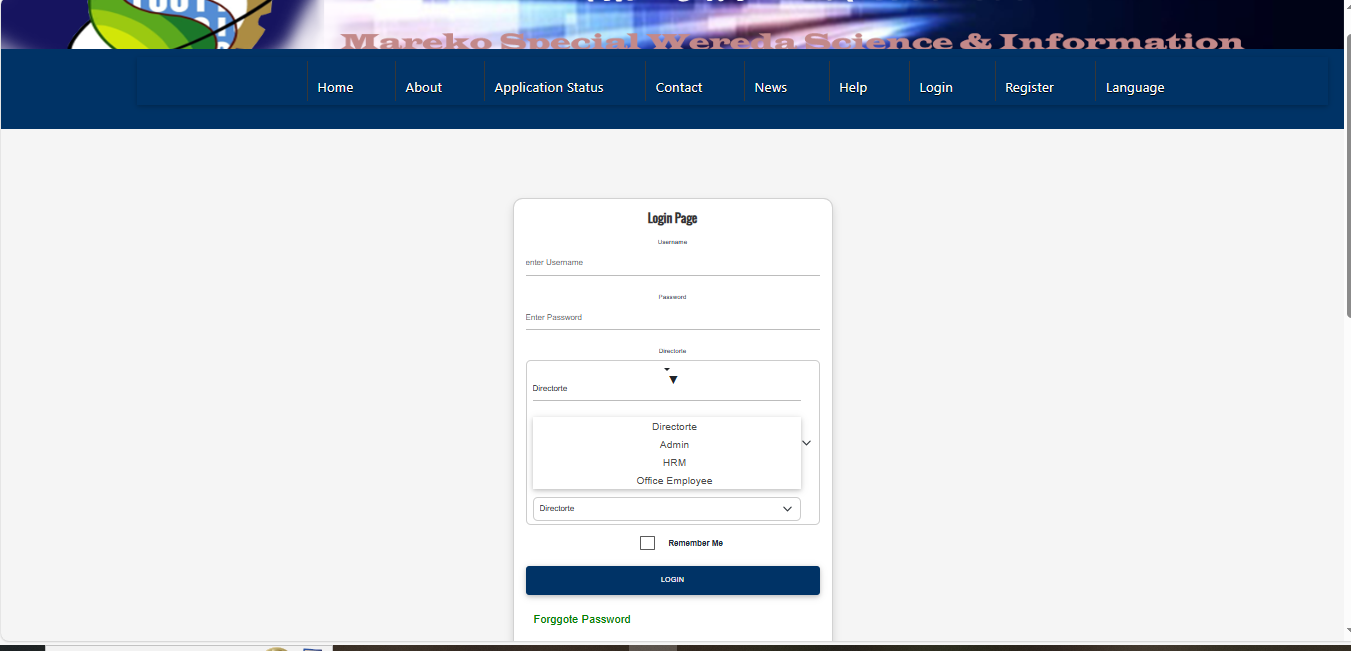
🔐 How do I log in to the HRM System?
To log in:
- Enter your username or email.
- Enter your password.
- Click Login.
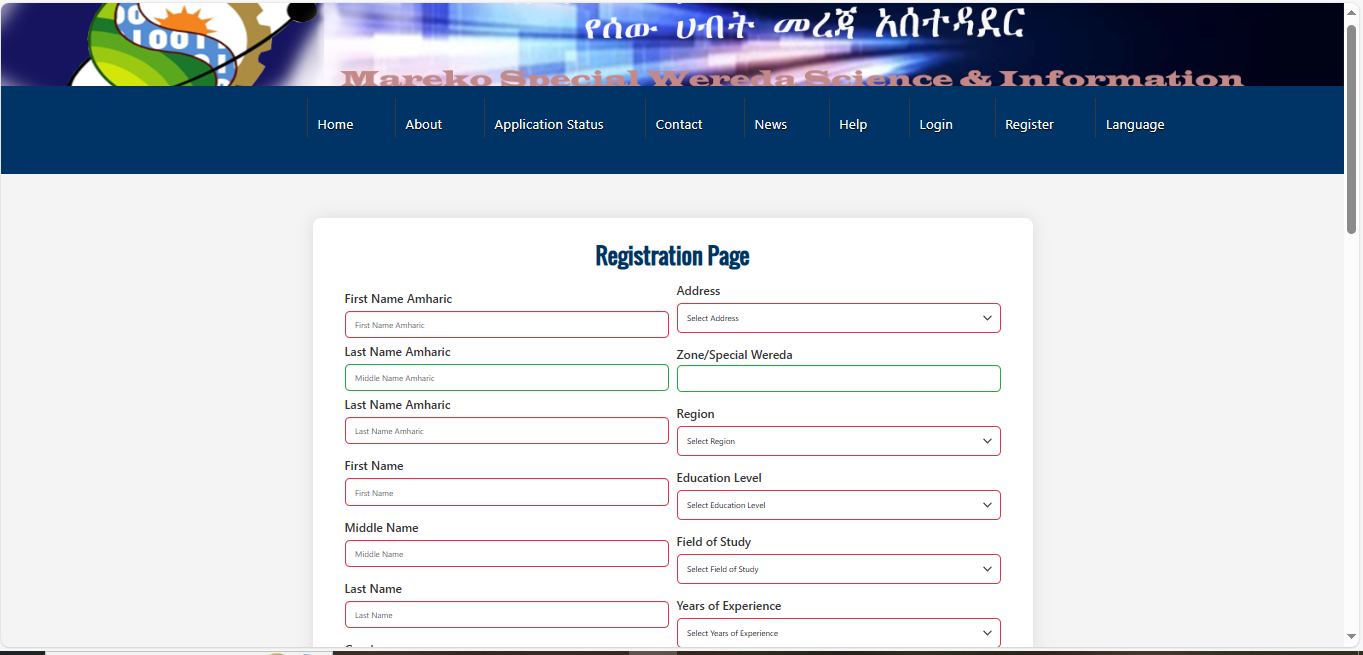
📝 How do I create a new account (Signup)?
Follow these steps to register:
- Go to the Signup page.
- Fill in your personal information.
- Upload required files.
- Create a username & password.
- Click Submit.
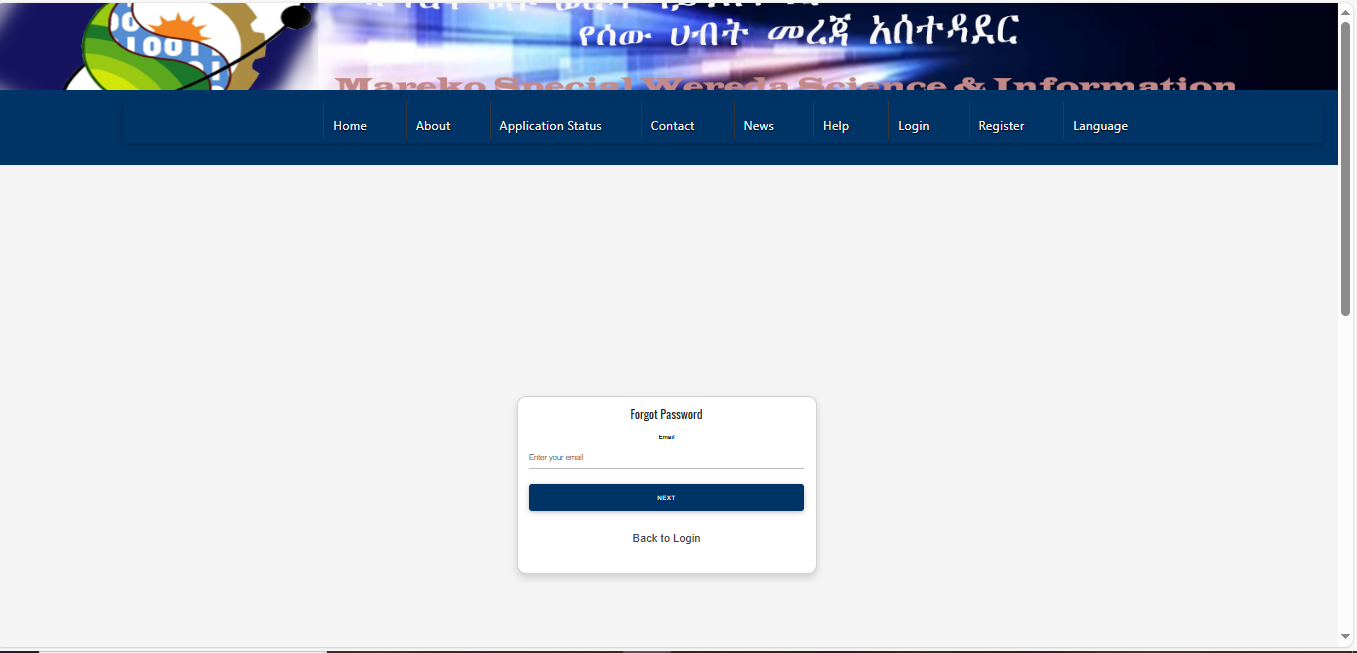
🔑 I forgot my password. How can I reset it?
Reset your password easily by:
- Click on the Forgot Password link on the login page.
- Enter your registered email address.
- Check your email inbox for a password reset link.
- Click the link to set up your new safe password.
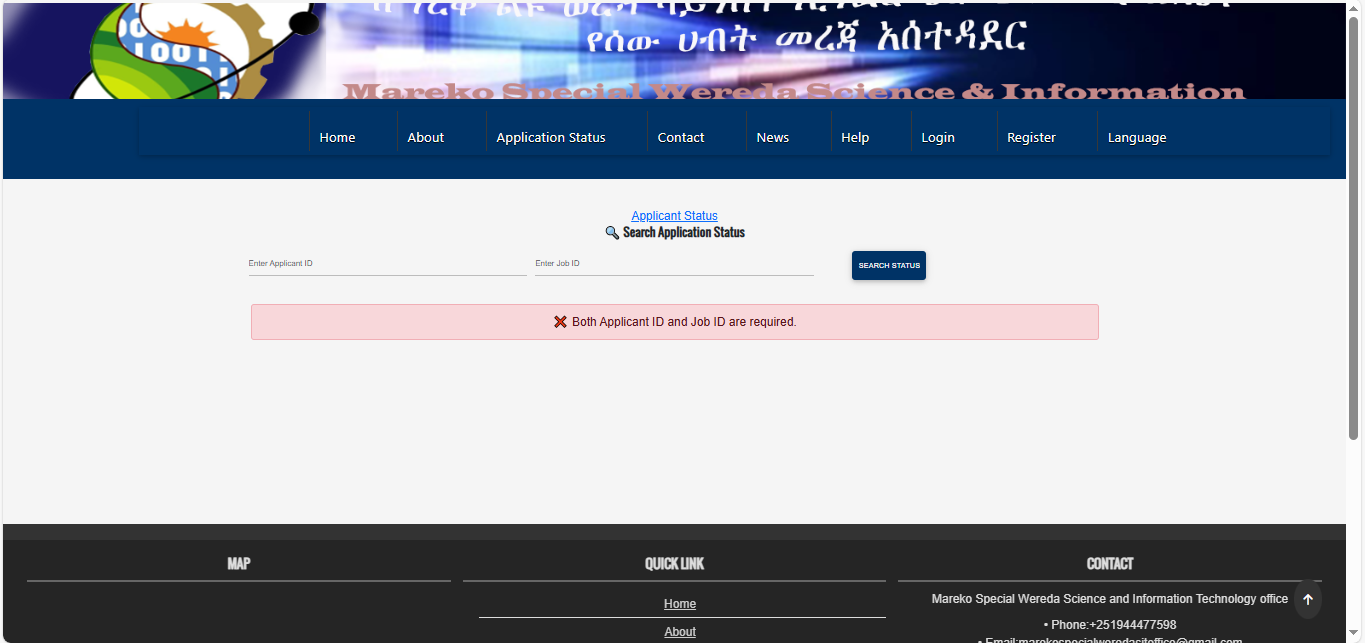
📄 How can I check my application status?
You can check your application status by:
- Going to the “Check Application Status” page.
- Entering your Application Number or Username.
- Your current status will be displayed.
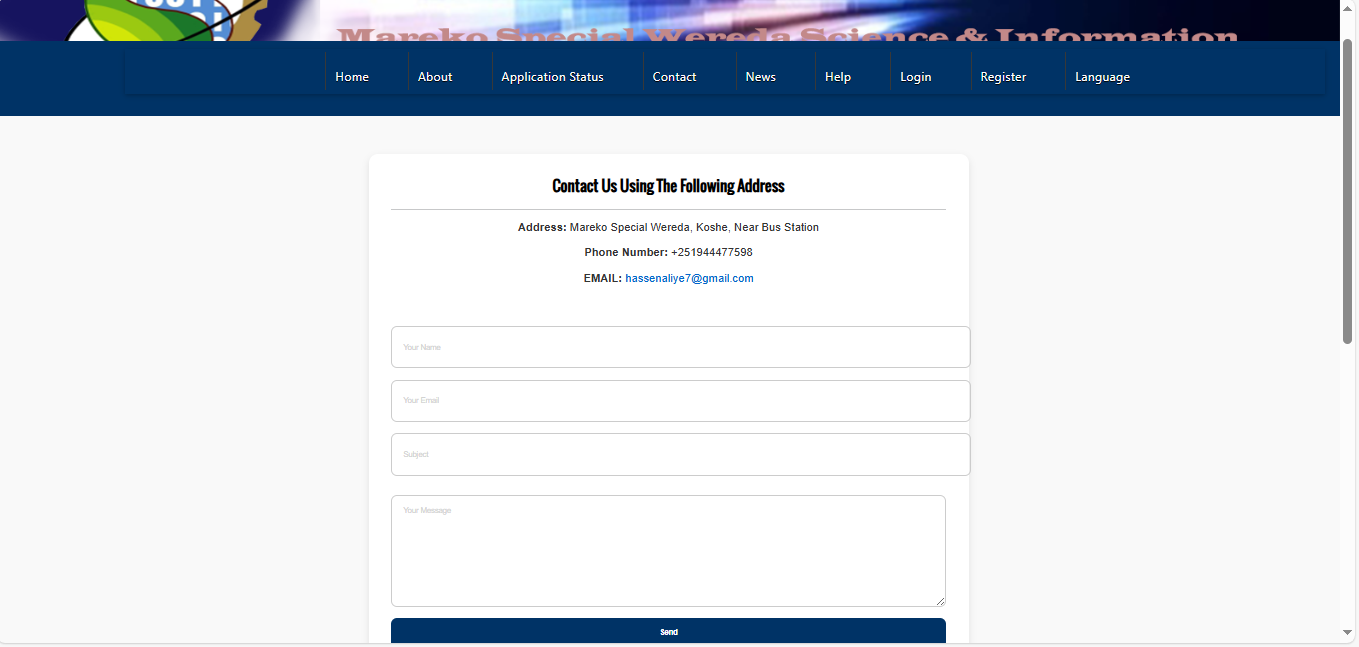
📞 How can I contact support?
You can contact us through:
- Email: admin@mswosithrm.gov.et
- Phone: +251 944477598
- Office: Mareko Special Wereda, Ethiopia
ℹ️ What is the HRM System?
The HRM system is used for:
- Leave Application Management
- Job Applications
- Employee Management
- HR Communication

